

1. A smiling ball that became a legend 🙂
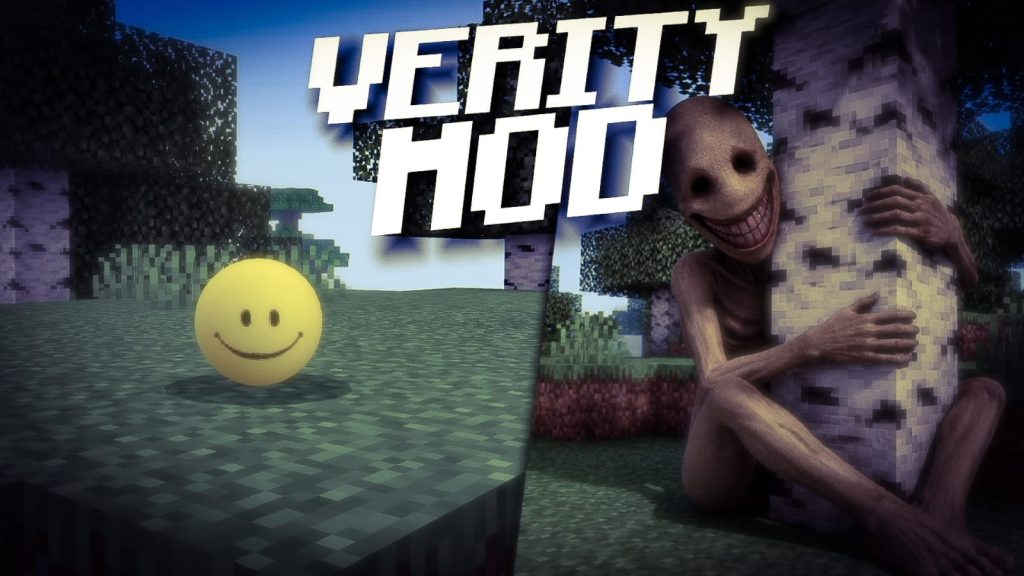
In 2026, few things in the Minecraft community grew as fast as Verity. It looks harmless: a small yellow smiling ball that follows you around, talks to you and offers to help. But the longer it stays in your world, the more unsettling it becomes, until the friendly companion turns into something you really do not want to anger. Verity became so popular that it even showed up as a trending Halloween costume this year. For Bedrock players, the excitement turned into a huge demand for a version they could play on their phones, and that is where Verity addons for Minecraft PE and Bedrock came in. On my channel I have covered several of them, from the first Bedrock versions for 26.30 to versions with Spanish voices that respond to what you say, and those videos are among the most watched I published this year. In this article I explain where Verity comes from, how the fan-made addons recreate it, why it is so effective as horror, and how to install it safely without breaking your main survival world. 👻
2. The origin: ThatMob’s ARG 🎬
Verity was not born as an addon. It comes from a horror series by the YouTuber ThatMob, part of a Minecraft ARG, an alternate reality game, often referred to as the Something series. In those videos, a mysterious mod supposedly shared by a friend adds Verity to a survival world. At first it seems like a helpful AI companion, but small details start to feel wrong, the conversations become strange, and the story slowly shifts into psychological horror. Like many Minecraft creepypastas before it, from Herobrine to countless haunted seed stories, the power of the series comes from making the viewer wonder if it could be real. Analyses by the community concluded that the mod shown in the videos is part of a scripted story, and ThatMob never released it publicly. That gap between the story and reality is exactly what inspired fans to build their own versions. The character and its voice belong to ThatMob, while the playable mods and addons are tributes created by other developers. Understanding this background matters, because it explains why there are many different Verity addons instead of one official download. 📼
3. Fan-made Bedrock versions 🛠️
Once the series went viral, multiple creators started recreating Verity for both editions. On Java there are Forge mods, and on Bedrock there are several addons, some of them with hundreds of thousands of downloads. One well known example, Verity: Bedrock Edition, was developed by PnTMC as a tribute, credits ThatMob for the character and adds mechanics like a flashlight that drains battery to make nights tense. Another popular project, VERITY BE, targets recent versions like 26.30 and uses the Beta APIs experiment to power its behavior. Each version interprets Verity differently: some focus on conversation, others on stalking behavior, combat or atmosphere. That is why in my videos I compared versions with better design and versions with voices in Spanish, because the experience changes a lot depending on which one you install. If you watch several Verity videos and they all look different, now you know why. There is no single official addon, only a family of fan creations inspired by the same character, each with its own strengths, bugs and requirements. 🧩
🧠 Interactive concept map
🎬 Origin
Character from ThatMob’s Minecraft ARG. The mod in the videos is part of the story.
🛠️ Fan addons
Tributes like Verity: Bedrock Edition by PnTMC and VERITY BE.
⚙️ How it works
Script API, chat interaction, behavior that changes over time.
🇪🇸 Spanish
Community versions with Spanish voices and responses.
🏆 Achievements
Beta APIs and cheats disable them. Use a separate world.
🔒 Safety
Only .mcaddon or .mcpack files. Never APKs or executables.
👆 Tap any branch to open it
4. How the addon works in your world ⚙️
Although each version is different, most Verity addons follow a similar structure. You spawn or find Verity, a small entity that follows you like a pet. You can interact with it, often through the chat, and it answers with text or voice lines. Many versions track how you treat it and how long it has been in your world, gradually changing its behavior: more cryptic messages, strange events, sounds in the dark or an alternate form at night. Some include rules you must respect, like staying close so it can hear you or never being rude to it. The technology behind this is the Bedrock Script API, which lets addons react to chat messages, time, player actions and world events, plus custom entities, animations and sounds packaged in resource and behavior packs. Because these features often rely on experimental APIs, the addon may require enabling Beta APIs in the world settings, and sometimes cheats. As we will see, that has consequences for achievements, so it is better to play Verity in a dedicated world rather than in your main survival save. 🧠
5. Why Verity is so scary 😨
Verity works as horror because it breaks a basic trust. In Minecraft, companions are usually safe: dogs protect you, cats scare creepers, villagers trade. Verity starts in that same safe role, which makes its slow change much more disturbing than a monster that attacks from the first second. This is what horror writers call slow-burn or psychological horror. The fear does not come from jump scares alone but from anticipation, from wondering what it will say next and whether you did something wrong. The fact that it talks to you, uses your words or remembers your actions makes it feel personal. Versions with voices in Spanish are especially effective for our community, because hearing it speak your language removes the distance that subtitles create. Headphones make it even worse, in the best way. This connects to a long Minecraft tradition of creepy stories shared by players, from Herobrine sightings to mysterious seeds, and Verity is the 2026 version of that folklore, now interactive. It is not just a mob; it is a story you live inside your own world. 🌑
6. Spanish voice versions 🇪🇸
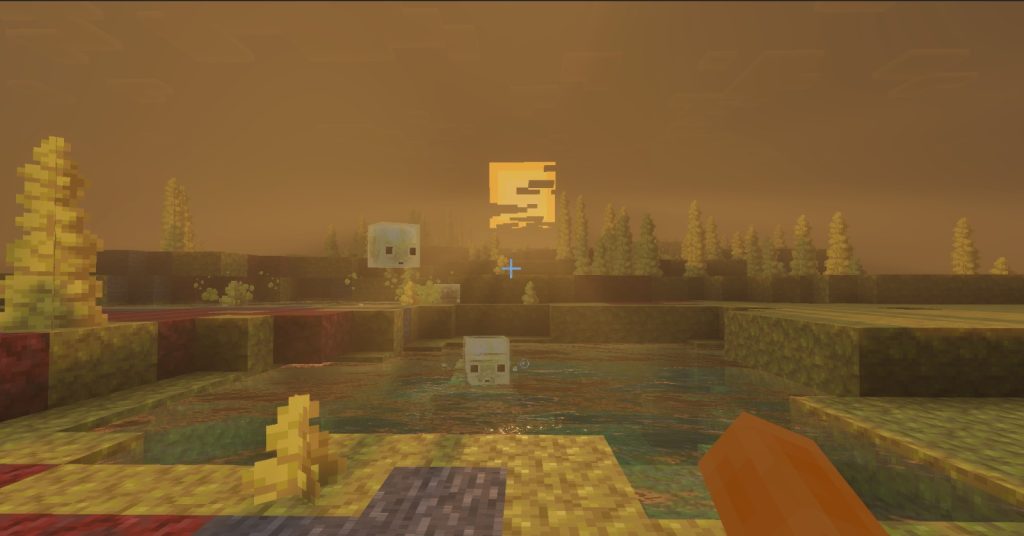
For the Spanish-speaking community, one of the most exciting developments was the arrival of Verity addons in Spanish. In my videos I showed a version that responds to almost anything you say in Spanish and another with full Spanish voices, and the reaction from viewers in Colombia, Mexico, Argentina, Peru and Spain was huge. Language matters in horror. When Verity answers in your own language, with a natural voice, the experience becomes much more immersive and unsettling. These translations and voice versions are community projects, so their quality varies. Some have great audio and smart responses, while others repeat lines or have small translation errors. When choosing a Spanish version, look for recent updates, clear credits and good comments from other players. Also check the version number, because an addon built for 26.30 might need an update to work perfectly on 26.52. The second video embedded in this article shows the Spanish voice version in real gameplay, so you can hear it before installing. If you create content, Spanish voice versions also make great videos for our audience. 🎙️
7. Installation and requirements 📥
Installing a Verity addon is similar to any other Bedrock addon. Download the .mcaddon file from a trusted source and open it with Minecraft so both the behavior pack and resource pack are imported. Create a new world, go to the add-ons section and activate both packs. Then check the Experiments section: many Verity versions require Beta APIs, and some ask you to enable cheats for setup commands. Read the addon page carefully, because each version lists its minimum Minecraft version, and using an older game version can cause missing features or crashes. Once inside, follow the addon instructions to spawn or find Verity, often with a spawn egg or a special item. On phones, keep render distance moderate, since custom entities with scripts and sounds can add some load. I always recommend starting in a fresh world dedicated to Verity, with a backup, so that if the addon breaks after an update you do not lose your main survival progress. Five minutes of preparation give you a much smoother and scarier experience. ✅
| Check | Why it matters | Recommendation |
|---|---|---|
| Game version | Scripts break between versions | Match 26.x of your device |
| Beta APIs | Many versions need it | Enable in a new world |
| Achievements | Experiments disable them | Keep your main world vanilla |
| Language | Spanish voices add immersion | Check reviews of the voice pack |
| Source | Viral addons attract fake links | Known platforms and creator pages |
| Backup | Updates can break addons | Copy the world before updating |
Tap a column header to sort ⇅
8. Achievements and safety 🛡️
Two important warnings. First, achievements: activating behavior packs and especially experimental toggles like Beta APIs usually disables achievements in that world on Bedrock. Enabling cheats disables them too. This is another reason to play Verity in a separate world. Second, download safety. Viral addons attract fake download pages, shortened links full of ads and even files disguised as installers. A real Bedrock addon is a .mcaddon, .mcpack or zip containing packs; you should never need to install an APK or an executable on your computer to get it. Prefer known platforms and the official pages of the addon creators, and check comments and download counts. Some Java versions use AI services for voice or reasoning that require API keys; be very careful with any addon or mod that asks for personal keys or accounts, and never share passwords. Horror should stay inside the game. If a download makes you feel uneasy for the wrong reasons, skip it and choose a version with a clear source. 🔒
9. Tips for the best horror experience 🎧
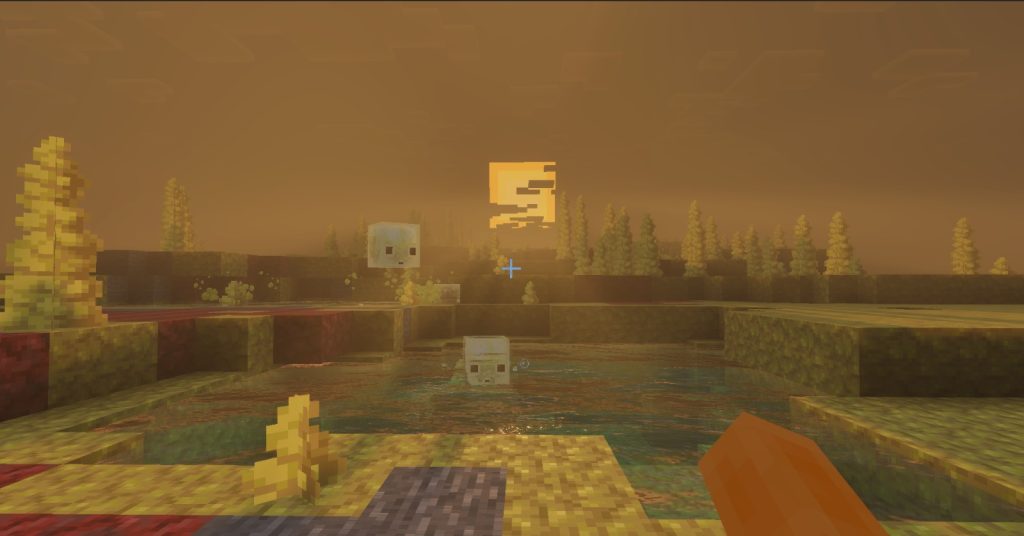
To enjoy Verity at its best, set the right atmosphere. Play at night with the lights off and headphones on, because sound is half of the scare. Avoid very bright shaders or night vision packs, since darkness makes the experience much stronger; a shader with dense fog or darker nights works better. Take the rules seriously: stay close to Verity, talk to it, and see how it reacts when you are kind or rude. Building a small cabin in a forest, like the new Dappled Forest from Wilderness Bound, creates a perfect stage. If you play with friends, assign one person to interact with Verity while the others explore, then compare stories. Content creators can record reactions and share them, which is exactly how the Verity phenomenon grew. Also consider combining it with other horror addons, but carefully, since multiple scripted addons can conflict or cause lag. Finally, know when to stop. Psychological horror can be intense, especially for younger players. The goal is to have a fun scary night, not to lose sleep for a week. 🌲
10. Conclusion: modern Minecraft folklore 💛
Verity shows how Minecraft culture keeps creating its own legends. What started as a scripted horror story by ThatMob turned into a family of fan-made addons for Java and Bedrock, versions with Spanish voices, countless reaction videos and even Halloween costumes. On Bedrock, the Script API made it possible to bring a talking, evolving companion to phones, something that would have been impossible a few years ago. If you want to try it, choose a well reviewed version, check the required game version, play in a dedicated world with a backup, and remember that Beta APIs and cheats disable achievements. Download only from trusted sources and never install executables or APKs for an addon. Then turn off the lights, put on your headphones and say hi to the smiling ball. Just do not make it angry. Watch the three Verity videos embedded in this article from my channel PAU07 to compare versions, and tell me in the comments which one scared you the most. See you in the darkness! 🙂