

1. Shaders for everyone 💚
There is a myth that shaders are only for expensive phones. In reality, some of the most beautiful Minecraft clips in the Latin American community were recorded on budget Android phones, the kind most of us actually own. The secret is choosing the right low-end shaders, known in Spanish as shaders para gama baja. These packs are designed to improve the sky, colors, water and atmosphere without the heavy effects that destroy frame rates. My videos about the 3 best low-end shaders and the best single shader for low-end devices on Minecraft Bedrock 26.52 are some of my most watched, and they are embedded in this article. Here I want to explain the background: what low-end really means for Minecraft, why some shaders run smoothly while others freeze your phone, which tools to use to load them, the settings that save frames and the myths that make many players waste time with packs that promise miracles. If you play on a modest phone, this guide is for you. Beautiful Minecraft is not a luxury, it is a matter of choosing well. 📱
2. What low-end means for Minecraft 🔍
When we talk about a low-end device in Minecraft, we usually mean phones with around 2 to 4 GB of RAM and entry-level graphics chips found in budget models. For Minecraft, the GPU matters a lot, because the game draws thousands of blocks every frame, and shaders add even more work to each pixel. RAM matters too, because textures, chunks and the shader itself must fit in memory along with Android. Screen resolution is a hidden factor: a budget phone with a high resolution screen has to render more pixels, which can make it slower than a similar phone with a smaller screen. Temperature also plays a role, since cheap phones often have limited cooling and reduce performance when hot. This is why two phones with similar prices can perform very differently. The practical lesson is to test, not assume. Open Minecraft without shaders, check how smooth it is in a forest or village, and then add a light shader. If vanilla already struggles, focus first on settings before trying any shader, because shaders cannot fix a phone that is already at its limit. ⚙️
3. Why light shaders work ✨
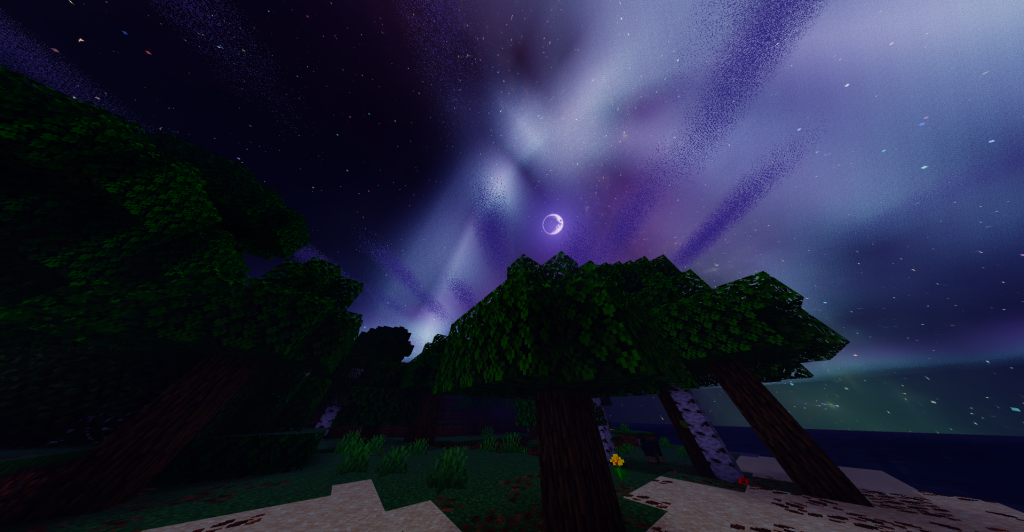
A light shader focuses on effects that give a big visual change for a small cost. The biggest improvement comes from sky and color: a richer sky, better sunsets and a warmer color palette transform the whole world almost for free. Fog adds depth and hides the end of the render distance, which makes a short render distance look intentional and cinematic. Waving leaves and plants add life with simple calculations. Water color and transparency improvements make lakes and oceans much prettier without heavy reflections. What light shaders avoid are the expensive techniques: real-time shadows, screen space reflections, volumetric light and deferred lighting. Many of the most popular light shaders are based on the Newb X Legacy family by devendrn, which was designed with efficiency in mind and has been adapted by many creators into different styles. That is why so many low-end recommendations share a similar base but look different: creators adjust colors, fog and water to create unique moods while keeping the performance foundation. Understanding this lets you predict whether a new shader will run on your phone just by looking at its effects list. 🌅
🧠 Interactive concept map
📱 Device
2 to 4 GB RAM, entry GPUs, watch resolution and heat.
✨ Cheap effects
Sky, colors, fog, waving plants, water color.
🚫 Expensive effects
Real-time shadows, reflections, volumetrics, deferred.
🛠️ Loaders
Patched or MB Loader. Match the exact game version.
🔧 Settings
Render distance 6 to 10, low simulation, no fancy extras.
⚠️ Myths
No pack doubles FPS. Avoid unknown APKs and logins.
👆 Tap any branch to open it
4. The background: RenderDragon and material shaders 📜
To understand why low-end shaders need special tools, remember the history. Old Bedrock shaders worked as normal resource packs, but the arrival of the RenderDragon engine changed how graphics are processed, and those old packs stopped working. The community responded by creating shaders as material.bin files, the compiled shader materials that RenderDragon uses, and by building ways to load them. On Android this led to Minecraft Patched and MB Loader. This system has an important consequence for low-end players: material shaders are compiled for specific versions, so after each update, like the jump from 26.45 to 26.50, shaders and loaders often need updates. I record new low-end shader videos after each version for that reason, and you will notice my titles always include the version number, like 26.51 or 26.52. When a shader breaks after an update, it is usually not your phone; it is a version mismatch. Waiting for updated files is the solution, and that is why staying on a version where your favorite shader works can be a smart choice. 🕰️
5. Patched vs MB Loader on budget phones 🛠️
There are two main ways to load shaders on Android, and both work on low-end phones. Minecraft Patched is a modified version of the game that allows custom shader materials from resource packs. Its advantage is simplicity once installed: you activate shaders like normal packs. Its disadvantage is that you depend on a patched build for each version, which must come from a trusted source. MB Loader is a different approach that loads shader materials without the same kind of patched build, and many players prefer it because it can be easier to keep up with versions. In my video about the top 3 low resource shaders, I show both methods so you can choose. For low-end phones there is no big performance difference between the two, because the cost comes from the shader itself, not from the loader. The real difference is convenience and safety. Whichever you choose, download only from known sources, never give your account password to any tool, and keep the official game installed or backed up so you can return to vanilla if something goes wrong. 🔐
6. How I choose low-end shaders 🏆
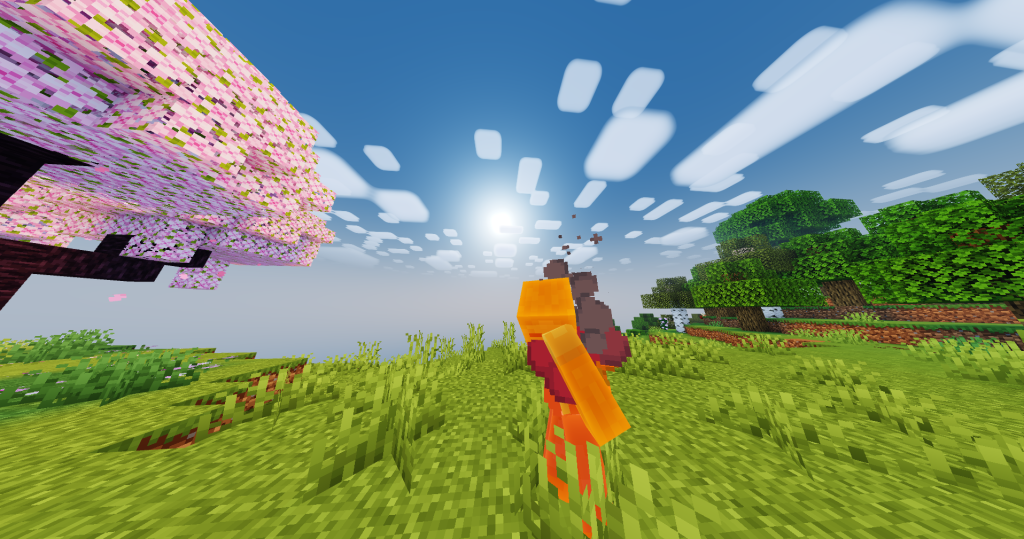
When I test low-end shaders for my videos, I follow a simple method. First, I check frame rate in demanding places: a dense forest, a village with many mobs and an ocean at sunset. A good low-end shader should stay smooth in all three. Second, I look at visual impact: does it make the world clearly prettier than vanilla, or just slightly different? Third, I check night and caves, because some light shaders make nights too dark to play, which is a problem in survival. Fourth, I look at stability: no flickering, no strange colors on water and no crashes after long sessions. Fifth, I consider battery and heat, playing for at least twenty minutes to see how the phone reacts. Shaders that pass all five end up in my top lists. This method is useful for you too. If you find a shader on social media that looks amazing, test it the same way before making it your main pack. Many clips are recorded on powerful devices with optimized settings, and what looks perfect there can be unplayable on a budget phone. 🧪
7. Settings that save frames 🔧
Settings can double your performance with a shader. Start with render distance: on low-end phones, values between 6 and 10 chunks are usually the sweet spot, and fog from the shader will hide the edge. Lower simulation distance to the minimum unless you need distant farms running. Disable fancy leaves, fancy bubbles and beautiful skies if your shader already handles sky and water. Turn off smooth lighting if the shader recommends it. In video settings, avoid high GUI scale and consider lowering resolution scaling if your device offers it. Outside the game, close background apps, disable battery saver, avoid playing while charging and remove thick cases that trap heat. Restarting the phone before long sessions frees memory. If you record videos, use a recording app with moderate bitrate to avoid extra load. Each setting gives a small improvement, but together they make the difference between twenty and forty frames per second. Write down the combination that works best for you, because after an update some settings may reset. 📋
| Setting or choice | Recommended | Why |
|---|---|---|
| Render distance | 6 to 10 chunks | Biggest single FPS gain |
| Simulation distance | Minimum needed | Less world processing |
| Texture resolution | 16x or 32x | Saves memory |
| Fancy leaves | Off | Dense forests are costly |
| Battery saver | Off while playing | Avoids throttling |
| Charging while playing | Avoid | Heat reduces performance |
| Shader type | Light Newb style | Cheap effects only |
Tap a column header to sort ⇅
8. Textures that pair well 🧱
A light shader looks best with a light texture pack. Since shaders change lighting and atmosphere, combining them with 16x or 32x textures keeps memory use low. The default textures work great, but many players like Bare Bones or flat trailer style packs, because the clean colors combine beautifully with soft shader lighting, creating a cinematic look without extra cost. Utility packs like low fire or glowing ores are also fine, since they are small. What you should avoid on low-end phones is combining a shader with 64x or higher realistic packs or full PBR packs, which multiply memory use and can cause crashes or long loading times. Animation packs like Actions and Stuff can work on some low-end phones, but test them separately first, because they add models and effects that cost performance in busy areas. The order of packs also matters: follow the shader creator recommendation, usually placing the shader in a specific position relative to textures. A balanced combination always beats stacking the heaviest packs you can find. 🎨
9. Myths about FPS boost and miracle packs 🚫
Low-end players are often targeted by packs that promise impossible things. The most common myth is the FPS boost pack that claims to double your frames. Some packs do help a little by removing particles or simplifying certain textures, but no resource pack can transform a weak phone into a powerful one. Another myth is that a shader can increase FPS; in practice, shaders always add work, and the best you can hope for is a light shader that costs very little. Be especially careful with files that require installing unknown APKs, granting unusual permissions or logging in with your Microsoft account outside the official game. Those are red flags. Real improvements come from settings, a light shader, a light texture pack and keeping your phone cool and clean of background apps. Also, be skeptical of videos that compare FPS without showing the device and settings. When I show performance in my videos, I mention the type of device and settings, because context is everything. Knowing these myths saves you time and protects your phone and your account. ⚠️
10. Conclusion: your budget phone can shine 🌟
Playing Minecraft PE with shaders on a budget phone is completely possible in 2026. The key is understanding why light shaders work: they focus on sky, color, fog, waving plants and water, while avoiding expensive shadows and reflections. Many of them come from the efficient Newb family, adapted into different styles by creators. Load them with Minecraft Patched or MB Loader, match versions carefully for 26.52, combine them with light textures like Bare Bones, adjust your settings and keep your phone cool. Avoid miracle packs and risky downloads. With this approach, your world can look like the clips you admire, without turning your game into a slideshow. Watch the three videos embedded in this article from my channel PAU07 to see each low-end shader running on real budget devices, and tell me in the comments which phone you use, so I can include more devices like yours in my next tests. Beautiful Minecraft belongs to everyone! 🌈