

Stickers have long been one of the most fun ways to react in a WhatsApp chat, and now they are learning to make noise. WhatsApp is introducing sound stickers, a new format that combines an animated sticker with its own audio track. Imagine sending a laughing character that really laughs, a birthday sticker with music, or an inside joke recorded in your own voice. The feature was spotted by WABetaInfo, which reported on November 25, 2026 that it is reaching some Android beta testers. Here is everything we know so far and how it is expected to work.
Tap to Hear: How Sound Stickers Work
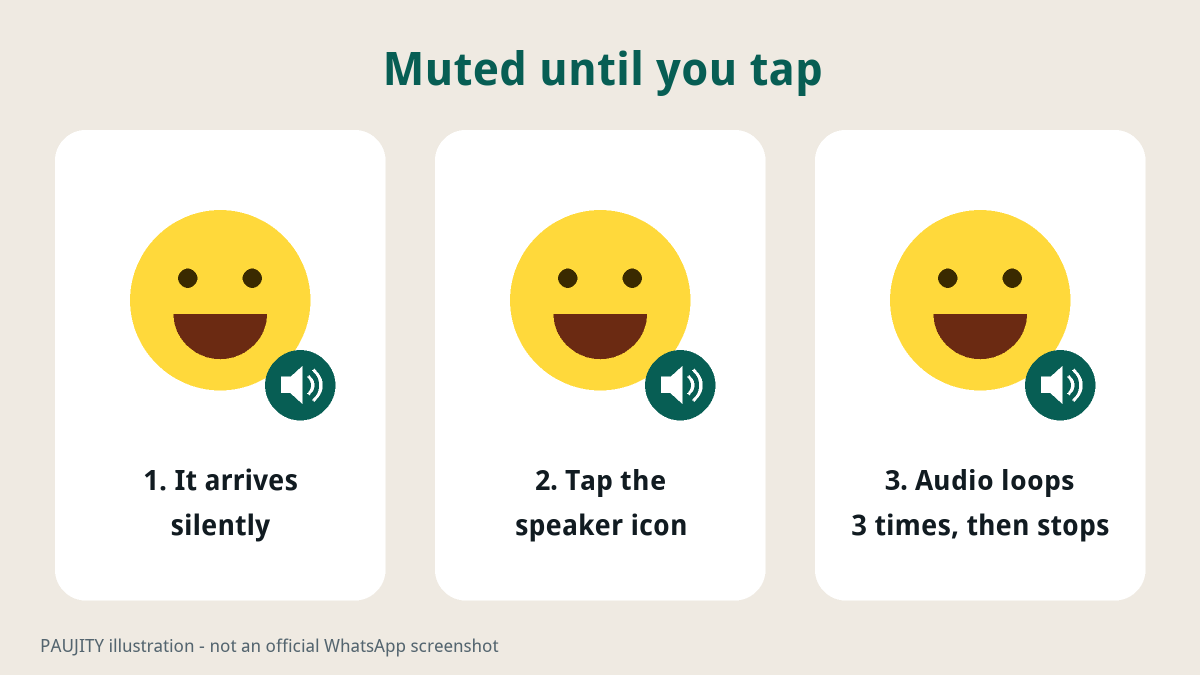
The first thing to know is that these stickers will not suddenly start shouting in your chats. According to WABetaInfo, sound stickers are muted by default. When one arrives, you will see a small audio icon attached to it, and the sound plays only after you tap that icon. WhatsApp then plays the audio three times in a loop before stopping. This approach is a smart choice for anyone who reads messages in class, at work or on public transport, because you decide when it is the right moment to listen. The animation brings the sticker to life, while the audio stays in your control.
How to Create Your Own Sound Sticker
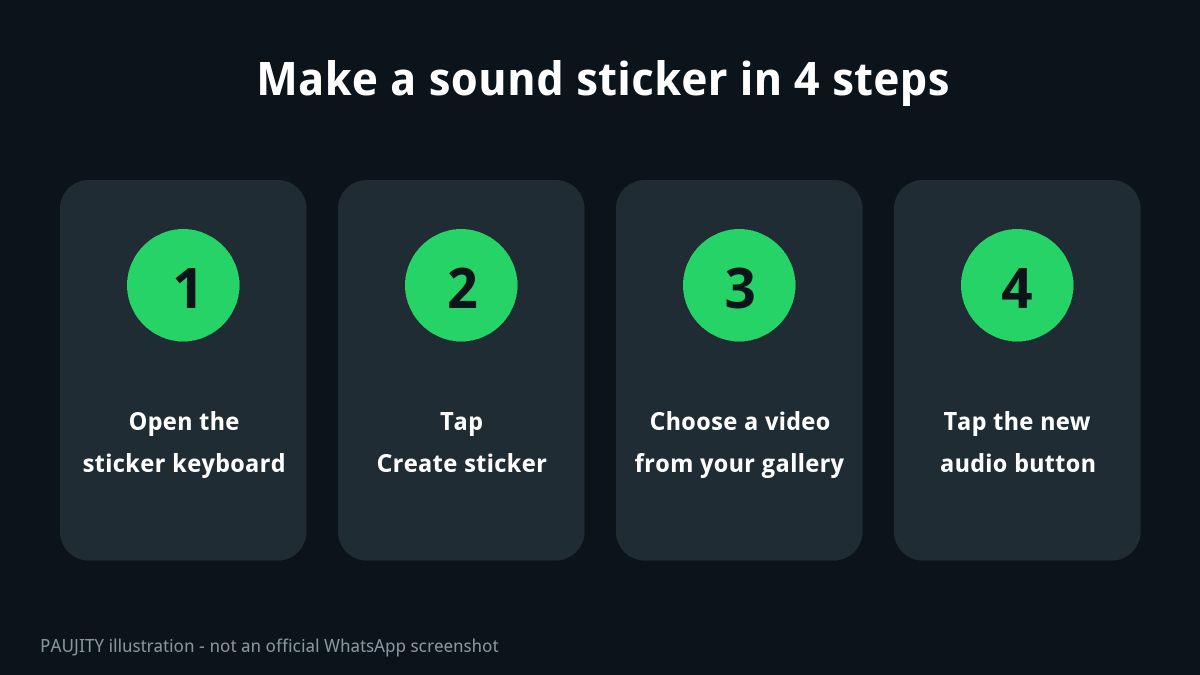
Creating one looks simple. Open the sticker keyboard, tap Create sticker and choose a video from your gallery. WhatsApp automatically turns that clip into an animated sticker. At the top of the editor, testers who have the feature will find a new audio button that opens a screen called Add sound, where you select the audio track that will travel with your sticker. When you are happy with the result, you can share it in your conversation like any other sticker. If you do not see the audio button yet, your account probably has not received the feature.
Four Ways to Add Audio
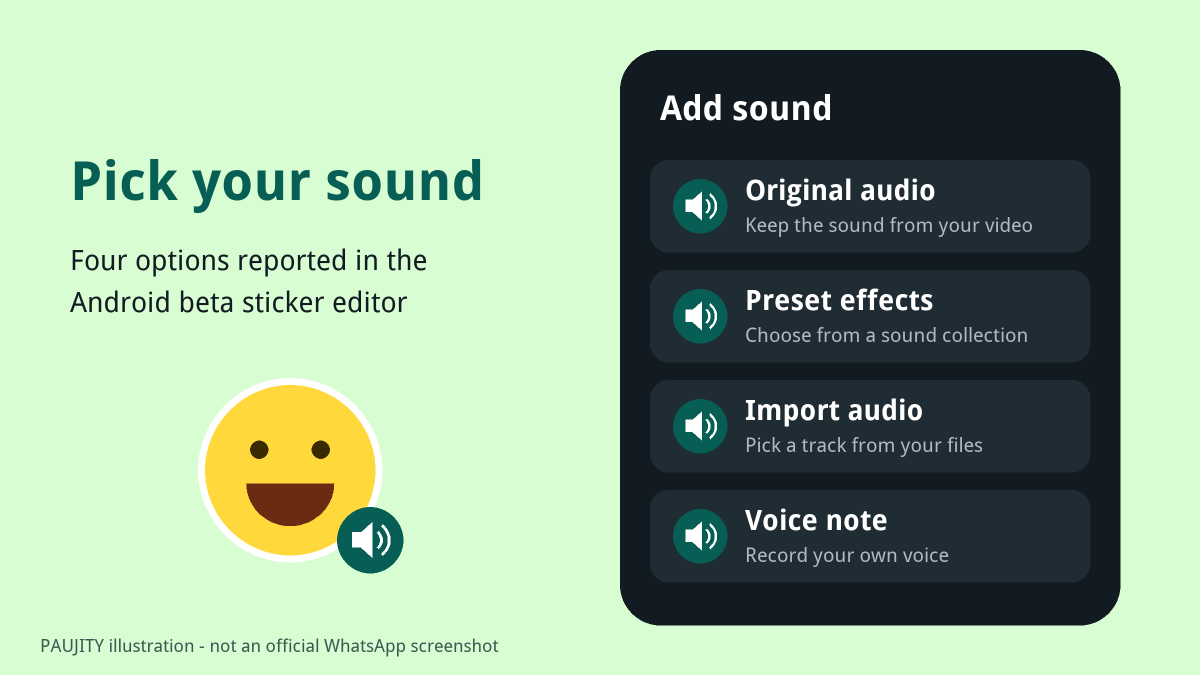
The most exciting part is the freedom to choose the sound. WABetaInfo describes four options. First, you can keep the original audio from your video, which is perfect for funny reactions and memorable moments. Second, you can pick a preset effect from a collection of sounds. Third, you can import an audio track from your files. Finally, you can record a voice note and attach your own words to the animation. That last option could turn an ordinary clip into a truly personal greeting, a private joke for your best friends or a catchphrase that everyone in your community will recognize.
Privacy and Security
A new media format naturally raises the question of privacy, especially when your own voice can be part of it. WABetaInfo reports that WhatsApp protects both the sticker and its audio track with end-to-end encryption, the same kind of protection associated with your personal messages. Even so, common sense still matters. A sticker can be passed along to other people, so think twice before recording private information, and avoid using someone else’s voice or face without permission. It is also wise to respect the people in your groups: a hilarious sound among close friends may not be welcome in a school, work or community chat.
Availability: Who Can Use It?
For now, patience is required. WABetaInfo links the rollout to WhatsApp beta for Android 2.26.47.1 and says it is available to only some beta testers through the Google Play Store, with more accounts expected over the coming weeks. Installing that version does not guarantee that you will see the audio button right away. WhatsApp has not announced when the feature will reach everyone. As for Apple users, 9to5Mac expects it will likely arrive on iPhone later, possibly after a few weeks or months. Since this is still a gradual test, some details could change before the wider release.
From Early Test to Beta Rollout
Sound stickers did not appear out of nowhere. Before the current rollout, WABetaInfo had already reported on the format while examining WhatsApp beta for Android 2.26.41.3, when it was still being tested. The newer report, linked to version 2.26.47.1, describes the feature starting to reach a limited group of beta testers. This step-by-step path is worth keeping in mind. A feature that shows up in a beta build is not the same as a finished tool that everyone can use. Buttons, menus and options can still be adjusted based on how testers respond. That is why we describe what has been reported so far instead of promising how the final version will look or when it will land on your phone.
Sound Stickers vs. Voice Notes and Videos
You may be wondering why anyone needs a sound sticker when WhatsApp already supports voice notes and videos. The difference is mostly about style and speed of expression. A voice note is great when you want to explain something, but it has no picture. A video can show a whole scene, but it feels like sharing a file or telling a longer story. A regular sticker is quick and visual, yet completely silent. A sound sticker brings these ideas together: it keeps the playful look of an animated sticker and adds audio that the other person can choose to hear. It is designed for those short moments when an emoji is not enough, but a full message would be too much.
Creative Ideas to Try
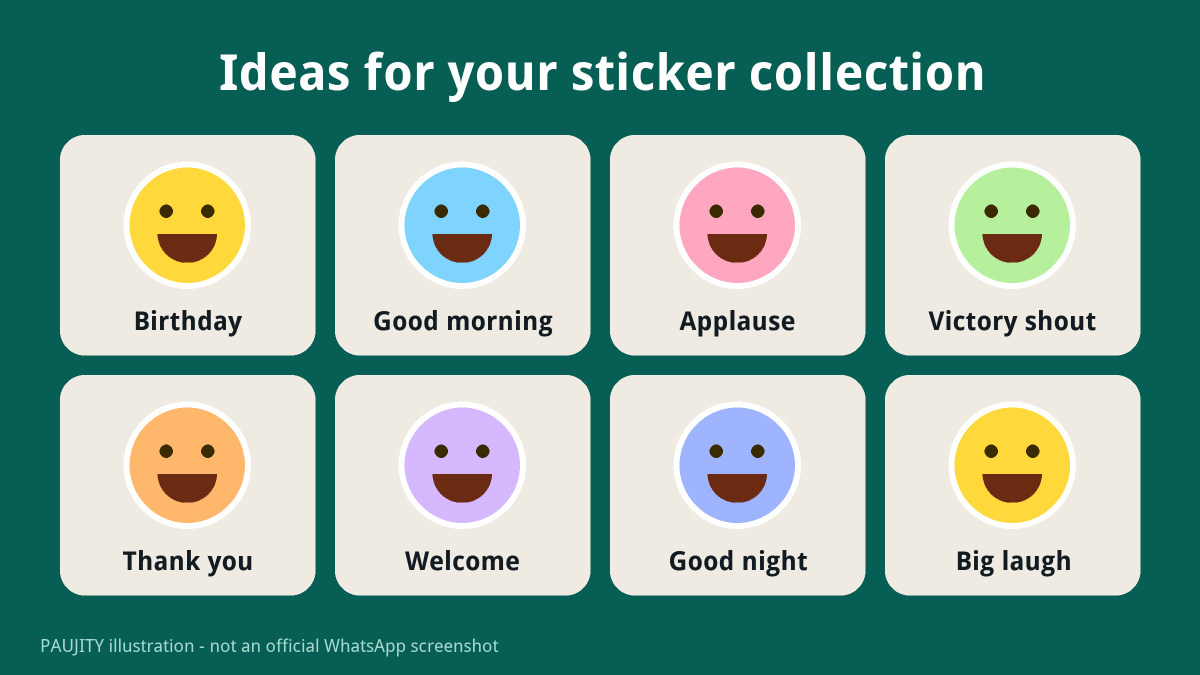
Once the feature reaches your account, the possibilities are easy to imagine. You could make a birthday sticker with your own greeting, a good morning sticker with a cheerful voice, or a celebration sticker with applause for a friend who just got great news. Gamers could record a short victory shout to use after winning a match, while families might turn a funny moment with a pet into a reaction that everyone recognizes. Teachers, small businesses and online communities could also try friendly thank-you or welcome stickers. These are our own ideas rather than official templates, but they show how a few seconds of personality can make a familiar chat feel new again.
Tips for a Better Sound Sticker
A great sticker starts with a great clip, so here are a few practical tips from us. Choose a video where the main subject is easy to see, even on a small screen, and avoid busy backgrounds that distract from the joke. Keep the idea simple, because one clear reaction usually works better than several things happening at once. If you plan to record your voice, find a quiet place and speak clearly. If you keep the original audio, listen to the clip first to make sure there is no wind, background music or private conversation that you did not notice. Finally, think about how it will feel after repeated playback, since the audio is reported to loop three times.
Be Careful With Copyright and Consent
It is tempting to take a famous song, a movie scene or a viral clip and turn it into a sticker. However, the fact that you can import an audio file does not automatically mean you have permission to use it. Music, films and other recordings may be protected by copyright, so original sounds are the safest choice, especially if your stickers represent a brand, a channel or a business. Consent matters just as much. Ask your friends or relatives before turning their face or voice into a sticker, and never use one to mock, embarrass or impersonate someone. A joke is much better when everyone involved is happy to be part of it.
Not Seeing the Feature Yet?
If the audio button is missing from your sticker editor, do not panic. First, check the Google Play Store for the latest WhatsApp update available to your account. Remember that the current reports involve a beta version, and even some testers may have to wait because access is being enabled gradually. Be very careful with websites, videos or messages that promise to unlock sound stickers instantly. Avoid downloading modified versions of WhatsApp or installation files from unknown sources, because they can put your account, your messages and your device at risk. Never share your registration code or two-step verification PIN with anyone offering early access. Waiting for the official update is the safest option.
What We Still Do Not Know
Several questions remain open. The WABetaInfo and 9to5Mac articles used for this post do not state a maximum audio length, and they do not give a date for a worldwide release. They also leave room for questions about how the feature might work across different devices, how users will organize their sound sticker collections and whether the creation tools will change before launch. Neither article cites an official WhatsApp announcement about the feature. Until clearer information arrives, it is best to treat any exact release date or hidden trick you see on social media with caution. We recommend checking trusted sources and official app updates before believing or sharing big claims.
Bringing Sound Stickers Into Group Chats
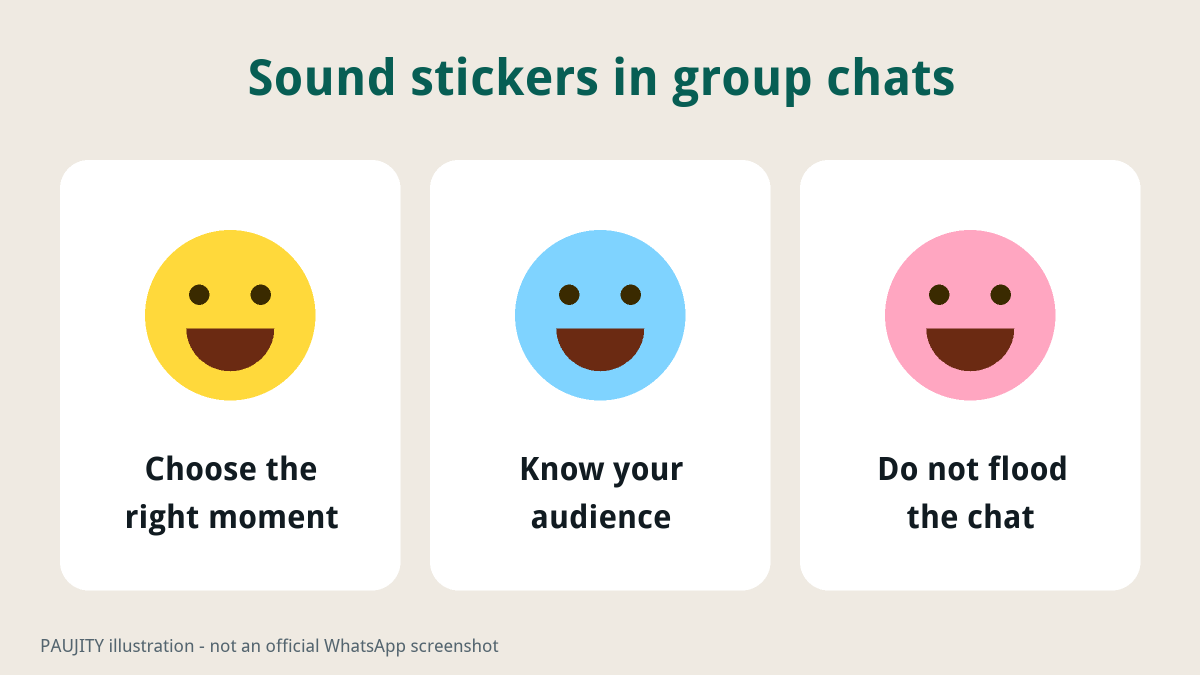
Group chats are probably where sound stickers could create the most memorable moments, but they are also where a good joke can wear out very quickly. In a group with close friends, a well-timed laugh, drum roll or round of applause can say more than a long reply. In a larger community, however, people join for different reasons, speak different languages and read messages at different times of the day. Our suggestion is to treat a sound sticker like seasoning: a little makes the conversation more fun, while too much can bury the messages that actually matter. Before sending one, ask yourself whether it adds something to the discussion, whether the audio is suitable for everyone present and whether the group is talking about a serious topic. If someone has just shared bad news or asked for urgent help, a clear written answer is a much better choice. Administrators may also want to include a short note about stickers and audio in their group rules, so that every member knows what is welcome. Even though the reported design waits for a tap before playing, respect and good timing still make the biggest difference.
What Creators and Small Businesses Could Do With Them
Creators, streamers and small business owners may see sound stickers as a new way to show some personality. Imagine a gaming channel with a signature victory phrase, a bakery with a cheerful thank-you sticker or an online community that welcomes new members with the same friendly greeting. A recognizable voice or short original sound can become part of how people remember you, much like a logo or a catchphrase. To make it work, we recommend focusing on stickers that people would actually enjoy using in their own conversations. A sticker that celebrates a birthday or reacts to funny news has a better chance of being useful than one that only repeats an advertisement. Keep your tone consistent, avoid exaggerated promises and never send promotional content to people who did not ask for it. It is also important to use material you created yourself or have clear permission to use. Remember that the sources used for this article describe a tool for making stickers in a limited Android beta. They do not describe special business features, statistics or advertising options, so any brand strategy should start small and stay flexible while the feature continues to develop.
Planning a Sticker Collection With Personality
A single sound sticker can be funny, but a small collection can cover many of the moments that happen in everyday conversations. Before you start creating, make a short list of the reactions you use most often. You might begin with a greeting, a goodbye, a thank-you, a congratulation, a surprised face and a big laugh. After that, add a few ideas that are special to your friends or community, such as the phrase everyone repeats after a game or the cheer that appears whenever a project is finished. Try to give the collection a shared style. You could use the same person, mascot, color palette or type of humor, while changing the expression and the sound in each clip. Variety matters too: if every sticker uses a loud scream, the surprise disappears after the second or third message. Mix short voice lines with softer effects and simple original sounds. It is also a good idea to keep your original videos in a safe folder on your phone or computer. If the creation tools change during testing, or if you want to improve a clip later, you will be able to start again without having to record everything from the beginning.
How to Record Cleaner Audio With Your Phone
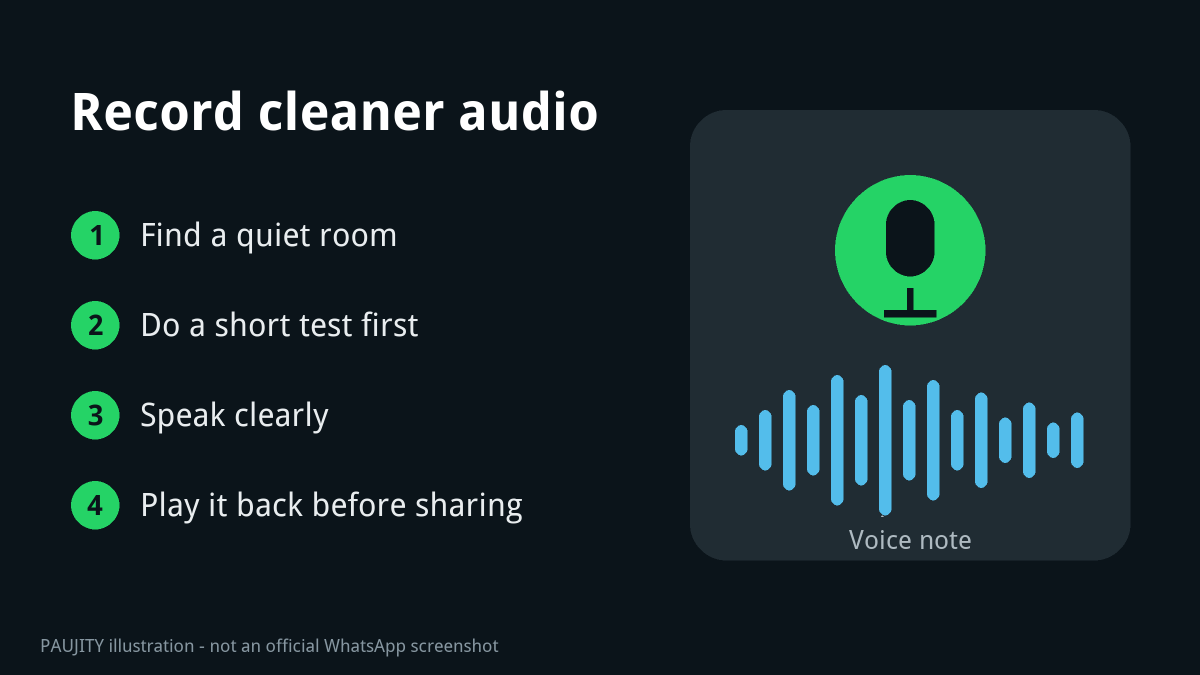
You do not need a professional studio to record a clear and entertaining voice line. Most of the improvement comes from preparing the space before you press the record button. Choose a quiet room, close the door and move away from fans, televisions, traffic and other sources of noise. Rooms with curtains, furniture or carpets often produce less echo than empty spaces with bare walls. Hold your phone at a comfortable distance and make a short test, because speaking too close to the microphone can cause distortion, while speaking too far away can make your words hard to understand. Avoid covering the microphone with your fingers or your case. When you are ready, write down the phrase you want to say, practice it once or twice and deliver it with natural energy. Short and simple lines are usually easier to understand than long explanations. Finally, listen to the result using both your phone speaker and a pair of headphones. Check that the beginning is not cut off, the volume is comfortable and no private information can be heard in the background. These are general recording tips from our side, not special requirements announced by WhatsApp.
Making Your Stickers Fun for Everyone
A great sound sticker should still make sense when nobody hears it. Some people are deaf or hard of hearing, others keep their phone on silent, and many read their chats in places where playing audio would be uncomfortable. Because sound stickers are reported to be muted until the recipient taps the audio icon, the picture is likely to be the first thing people notice. For that reason, we suggest building every sticker around a clear visual reaction. A big smile, a thumbs-up, a surprised look or a simple movement can communicate the idea before any sound is played. If your joke depends on a specific phrase and your clip already includes readable text, use large letters with strong contrast and keep the words short. In an important conversation, never hide essential information only inside the audio. Dates, addresses, instructions and warnings should be written in a normal message that everyone can read and find again later. You should also think about the volume and the type of sound you choose, since sudden shouting or harsh noises can be unpleasant, especially for people wearing headphones. Thoughtful design allows more people to enjoy the same joke and makes your collection feel welcoming.
Final Thoughts
Sound stickers may look like a small addition, but they could change the way we joke, celebrate and react on WhatsApp. They sit somewhere between a classic sticker, a short video and a voice note, with the advantage of staying quiet until someone chooses to play them. We expect creative users to start building their own collections as soon as the feature spreads. Would you record your own voice, or would you rather use funny sound effects? Keep your app updated, keep an eye on PAUJITY for more news, and join our WhatsApp community using the button below so you do not miss what comes next.