

1. What a hotfix really is 🩹
When a big Minecraft update arrives, everyone talks about new biomes, mobs and blocks. But a few days later, a smaller update usually appears with a less exciting name: a hotfix. Hotfixes do not add new content; they repair problems discovered after release, such as crashes, bugs that break gameplay or issues on specific devices. On Minecraft Bedrock, hotfixes are especially important because the game runs on so many platforms: Android phones of every brand and price, iPhones, Windows PCs, Xbox, PlayStation and Nintendo Switch. A bug that never appeared in testing on one device can show up for millions of players once the update goes live. After Wilderness Bound launched as 26.50, Mojang released two hotfixes, 26.51 and 26.52, and my videos reviewing them on Android, embedded in this article, had a huge response because many players were waiting for specific fixes. In this article I explain how hotfixes work, how bugs get reported and fixed, what exactly 26.51 and 26.52 changed, and how to decide when to update if you use addons or shaders. 🔍
2. A short history of Bedrock hotfixes 📜
Hotfixes have been part of Minecraft for years. Back in 2020, for example, the Nether Update on Bedrock received a quick 1.16.1 hotfix to fix issues like netherite items being lost in fire or lava, and similar patches have followed nearly every major release since. The pattern is consistent: a major update arrives, the community plays it intensively, bugs are reported, and Mojang ships small fixes within days or weeks. With the move to game drops and year-based versions in 2026, this rhythm became even more visible. Each drop, like 26.10 Tiny Takeover, 26.30 Chaos Cubed and 26.50 Wilderness Bound, is followed by hotfix numbers like 26.31 or 26.52. Bedrock also has other releases between drops, such as 26.40 in August, which had its own hotfixes. On consoles, these versions appear with different patch numbers; for example, the 26.52 hotfix showed up on consoles as update 3.50 or 1.060 depending on the platform. Understanding this numbering helps you read changelogs and know exactly which version your device is running. 🗓️
3. How bugs get reported and fixed 🐛
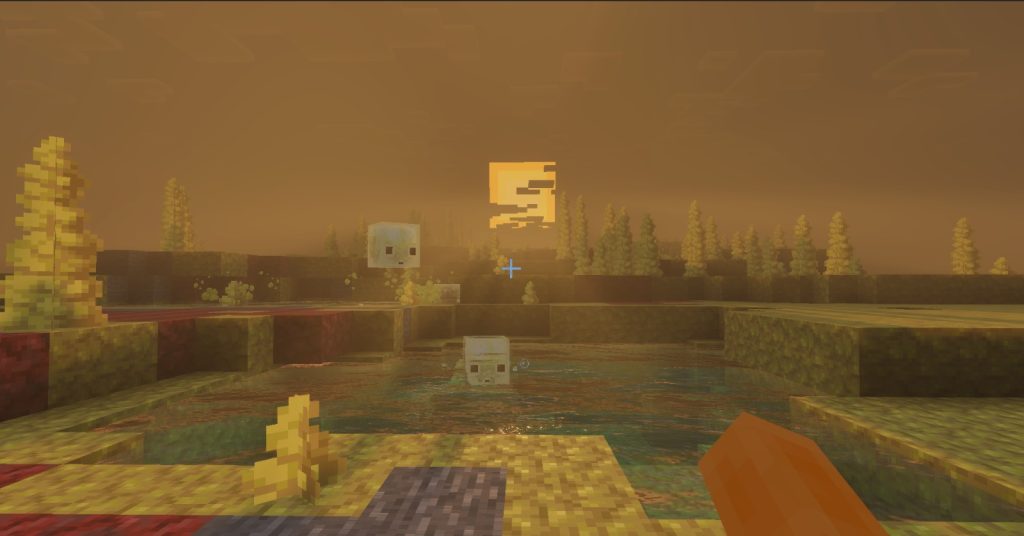
Most fixes start with players. Mojang uses a public bug tracker at bugs.mojang.com, where Bedrock issues receive codes starting with MCPE- followed by a number. When you see a changelog line like a fix for MCPE-242586, that number links to a real report written by a player, voted by others and analyzed by Mojang. The more votes and clear information a report has, the easier it is to reproduce and fix. Mojang also collects ideas and feedback at feedback.minecraft.net, which is more for suggestions than bugs. Preview and beta players play a key role too, because they test features before release and report problems early. Still, some bugs only appear at scale, with millions of different devices and worlds, which is why hotfixes are inevitable. If you find a bug, the best thing you can do is search the tracker to see if it is already reported, vote for it, and add details like your device, version and steps to reproduce. As creators, we also help by showing bugs in videos, which often encourages more reports and faster fixes. 📝
🧠 Interactive concept map
🩹 Purpose
Fix crashes and bugs found after release. No new content.
🐛 Reports
bugs.mojang.com with MCPE codes, voted by players.
🔢 Numbers
26 = year, 50 = drop, 51 and 52 = hotfixes, 50.25 = beta.
💥 26.51
Crash loading worlds with dense fences, panes, bars and walls.
🖥️ 26.52
Switch and iOS stability, graphics fixes, cushions, Spectator, achievements.
⏳ Strategy
Back up, check shaders and addons, then update.
👆 Tap any branch to open it
4. Anatomy of a version number 🔢
Bedrock version numbers tell a story if you know how to read them. In 26.52, the 26 is the year 2026. The second part identifies the release: 26.50 is the Wilderness Bound drop, and 26.51 and 26.52 are hotfixes on top of it. Beta builds have an extra number, like 26.50.25 or 26.50.26, which are test builds before the official release. Some APK sites also show versions with a leading 1, such as 1.26.52, reflecting the older internal format. On Java, the same drop is 26.3, with snapshots for testing. This system replaced the older 1.21.x style numbers, which had become confusing after so many small updates. For mobile players, knowing this helps a lot: if a shader says it works on 26.50, it may or may not work on 26.52 depending on renderer changes, while an addon made for 26.30 might need an update for 26.50. When you see a version number in my video titles, it is there for this reason. It tells you exactly which build the content was tested on. 🧮
5. Hotfix 26.51: the crash with connected blocks 💥
The first hotfix after Wilderness Bound, 26.51, focused on a single but serious problem. According to the official changelog, it fixed a crash that could happen while loading worlds containing large, tightly linked structures made from blocks that connect to their neighbors, such as fences, glass panes, iron bars and walls. This might sound like a small detail, but for builders it was a nightmare: imagine a city full of glass windows or a farm surrounded by fences that suddenly cannot be opened. Some players thought their worlds were corrupted. Connected blocks are technically complex because each one checks its neighbors to decide its shape, and a change in how the game calculates these connections can cause problems at scale. The fix arrived quickly, which shows how Mojang prioritizes crashes that block access to worlds. If you had a world that crashed after 26.50, 26.51 was the update that likely saved it. This is a great example of why you should keep backups: even when a bug is temporary, being unable to open your world for days is stressful. 🧱
6. Hotfix 26.52: stability and graphics 🖥️
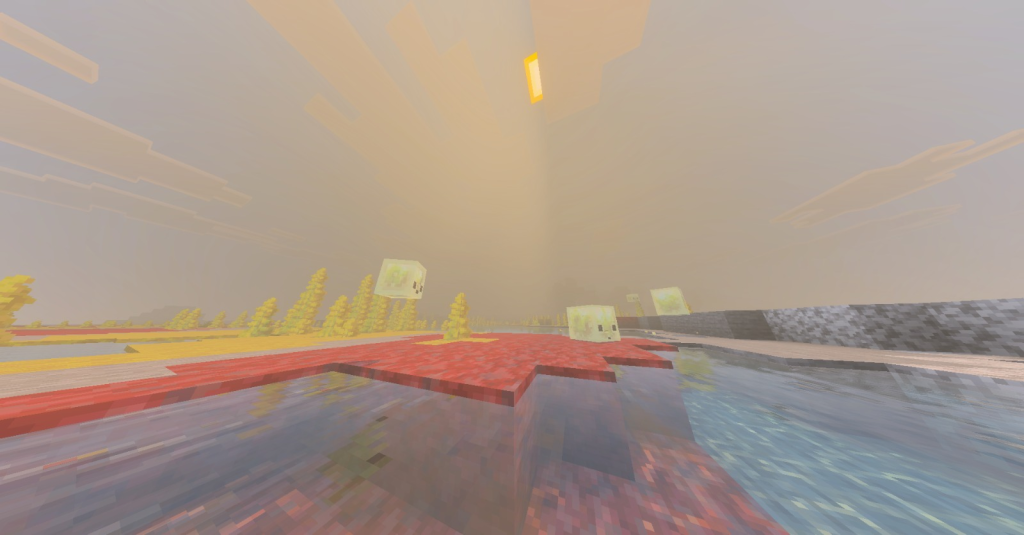
The second hotfix, 26.52, arrived on September 25, 2026 and included a wider range of fixes. In stability, it improved stability for Nintendo Switch devices connected to a network and fixed an issue that could prevent the game from launching on some iOS devices. In graphics, it corrected the detection of cube-map array texture support on older Windows graphics hardware, a technical issue that could affect rendering on older PCs, and it fixed some inventory items appearing invisible when using non-default display brightness with a specific anti-aliasing setting. In the interface, it improved the first-time onboarding so the selected multiplayer world starts while the character appearance is still loading. These fixes show how varied Bedrock’s challenges are: the same update must work on a Switch, an iPhone, an old Windows laptop and a budget Android phone. For mobile players, 26.52 became the version to be on, and my review of it on Android became one of the most watched videos on my channel, with lots of questions about compatibility with addons and shaders. ⚙️
7. Hotfix 26.52: gameplay and the achievements fix 🏆
26.52 also included important gameplay fixes. Players in Spectator Mode are no longer hit by projectiles, which was a strange bug for anyone watching a match or recording. Cushions, one of the stars of Wilderness Bound, no longer disappear when a chunk reloads, a frustrating bug for builders who had decorated houses with them. But the fix that made the most noise in our community was about add-ons and achievements. After 26.50, older worlds with activated Marketplace add-ons were disabling achievements, which upset many players who had bought official content precisely because it normally keeps achievements enabled. 26.52 fixed this, so those worlds can earn achievements again. I made a short video about it because so many people asked. Keep in mind that this fix concerns Marketplace add-ons; community addons and experimental toggles can still disable achievements. If achievements matter to you, read addon descriptions carefully and keep a vanilla world. This fix is a good example of how player reports directly shape what Mojang prioritizes in hotfixes. ✅
| Version | After | Main fixes |
|---|---|---|
| 26.31 | Chaos Cubed | Crashes, 30 FPS lock, Book and Quill freeze |
| 26.41 to 26.43 | 26.40 | Crashes, missing assets, Windows cloud storage paused |
| 26.45 | 26.40 | Add-on joins, Android Back button, arrows, Creative items |
| 26.51 | Wilderness Bound | Crash with dense connected blocks |
| 26.52 | Wilderness Bound | Stability, graphics, cushions, Spectator, add-on achievements |
Tap a column header to sort ⇅
8. Earlier 2026 hotfixes: patterns to learn 🔎
Looking at earlier hotfixes in 2026 reveals useful patterns. After Chaos Cubed, 26.31 fixed several crashes, an issue where the frame rate could drop or become locked at 30 FPS, and a freeze caused by Book and Quill items from worlds created before 26.30. In August, the 26.41 to 26.43 hotfixes fixed crashes and missing assets after network changes, and Mojang temporarily disabled cloud world storage on Windows while investigating issues, a reminder that keeping local backups is always smart. Then 26.45 fixed disconnects when joining worlds with add-on content, restored the Android Back button in menus, stopped arrows from hitting their own shooter and prevented Shift-clicking in Creative from deleting items. The pattern is clear: hotfixes often target crashes, performance, add-on compatibility and platform-specific issues like Android controls. If you play on a phone with addons, hotfixes are frequently aimed at problems you might be experiencing. That is why reading changelogs, or watching quick review videos, helps you decide whether an update is worth installing immediately. 📊
9. When to update if you use addons or shaders ⏳
Hotfixes usually improve stability, so updating is generally recommended. But players who use shaders or addons should be strategic. Shaders loaded through Patched or MB Loader may need new versions after an update, even a hotfix, because renderer changes can break them. UI packs and complex addons can also break. A good approach is to wait a day or two after a hotfix, check if your favorite shader and addons have confirmed support, and back up your worlds before updating. On Android, you can disable automatic updates for Minecraft in Google Play to control timing. However, if you play on servers or Realms, you usually need the latest version to connect, so delaying too long may lock you out of multiplayer. Realms update automatically when the owner joins with the newest version. For vanilla players, simply update as soon as possible. And if a hotfix fixes a bug that affects you, like the connected blocks crash in 26.51, update right away. Balancing stability, compatibility and multiplayer access is the key to a smooth experience. ⚖️
10. Conclusion: small updates, big impact 💚
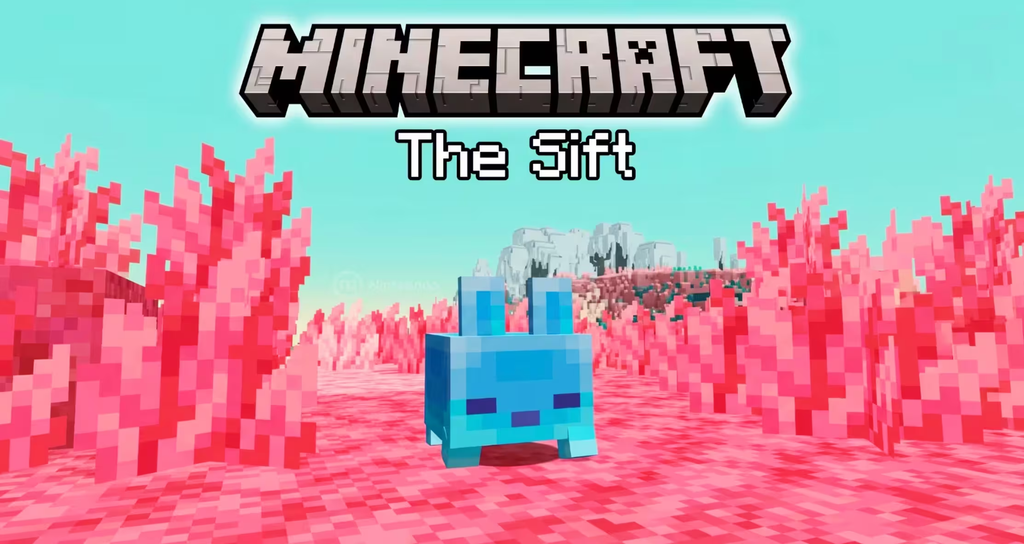
Hotfixes may not get trailers or hype, but they keep Minecraft Bedrock playable for millions of players on wildly different devices. 26.51 rescued worlds that crashed because of connected blocks, and 26.52 improved stability on Switch and iOS, fixed graphics details on older PCs, stopped Spectator Mode projectile hits, saved cushions in reloaded chunks and restored achievements for older worlds with Marketplace add-ons. Behind every fix is a report from a player on bugs.mojang.com, which means the community truly shapes the game. Learn to read version numbers, back up your worlds, and time your updates if you use shaders or addons. Next on the calendar is Bedrock 26.60, planned for October 27, 2026 with the native Nintendo Switch 2 version, followed by the next drop with ice caves, and The Sift dimension in 2027. Watch the videos embedded in this article from my channel PAU07 for my reviews of 26.51 and 26.52 on Android, and tell me in the comments if any hotfix saved your world. See you in the next update! 🚀